Fix your LinkedIn profile in one sitting.
Being yourself on LinkedIn isn't the risk. Looking like a corporate brochure is.
Your profile reads like a bio.
Not a reason to say yes.
Your profile is probably half-finished by accident. A Default gray banner. A headline that's just your job title.
An About section nobody reads past line two. A Featured section you set up three years ago and never touched again.
You're not lazy.
Nobody ever told you what each section is actually FOR.
Here's the reality. People look you up before they say yes.
Job hunting?
Your profile is your first interview.
In sales?
Your profile is your first meeting.
Building a brand?
Your profile is your landing page.
The Solution
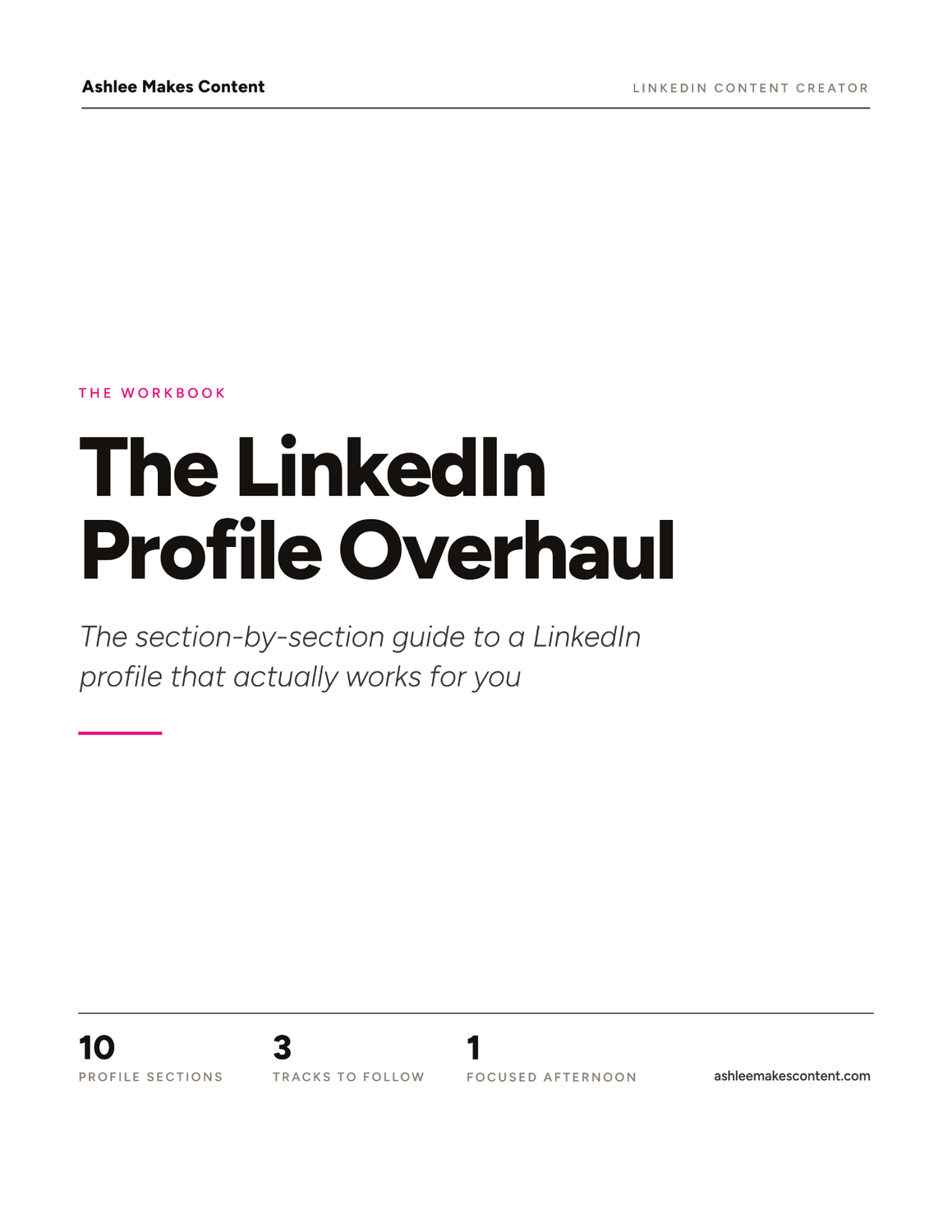
The LinkedIn Profile Overhaul
Every section of your profile, in order. For each one you get the formula, a real example, and exactly what to change. Built for job seekers, salespeople, and personal brand builders.
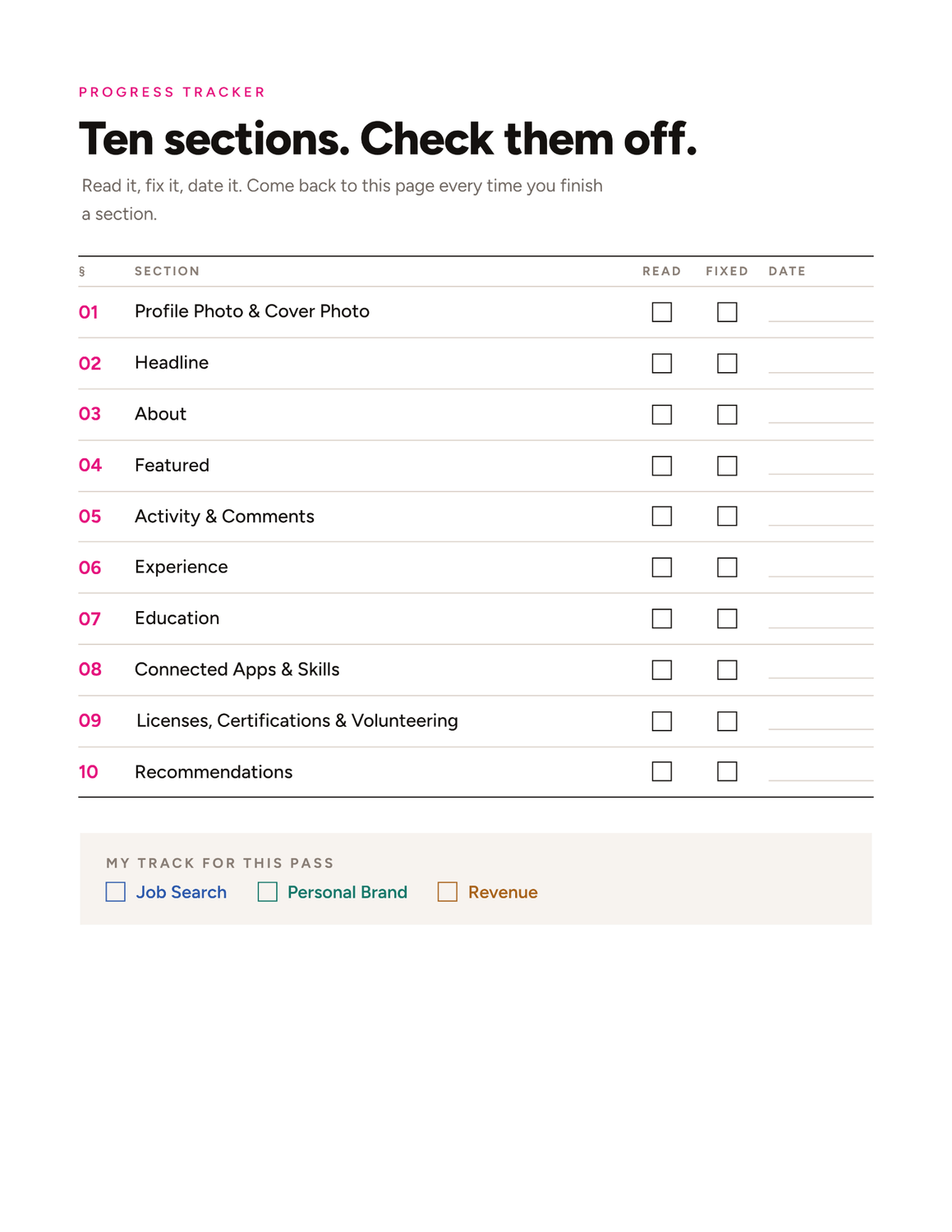
10 sections. 20 minutes.
Profile Photo & Banner: What yours should say at a glance, plus a plug-and-play AI prompt to design your banner. No design skills needed.
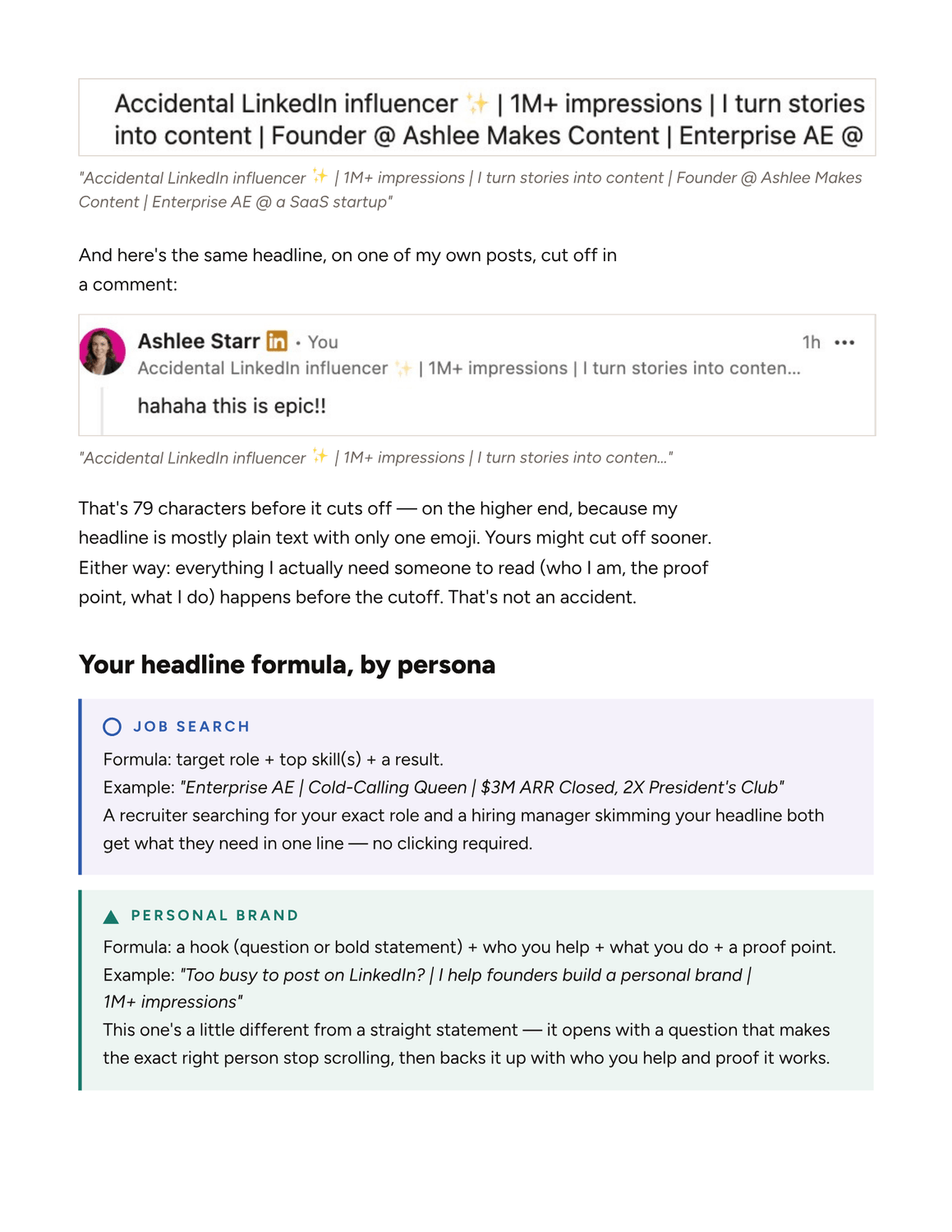
Headline: How much people actually see before it cuts off, and the structure to use every character well.
About: The 4-part formula that earns the "see more" click.
Featured: What to pin so it does the convincing your About section doesn't have room for.
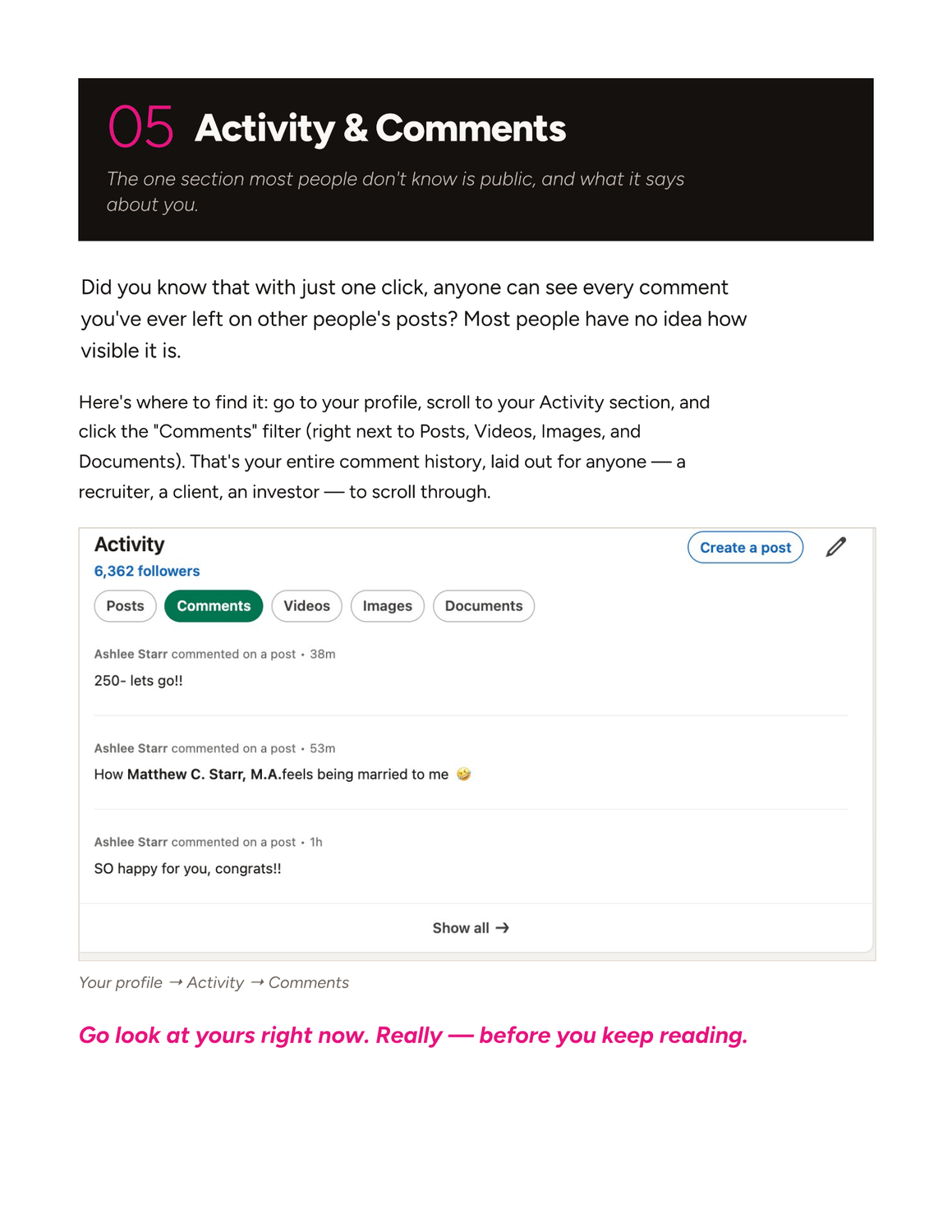
Activity & Comments: The public section most people forget exists. When I've hired, I checked this before I read the resume.
Experience: How to turn a list of duties into proof, with a bullet formula you can copy.
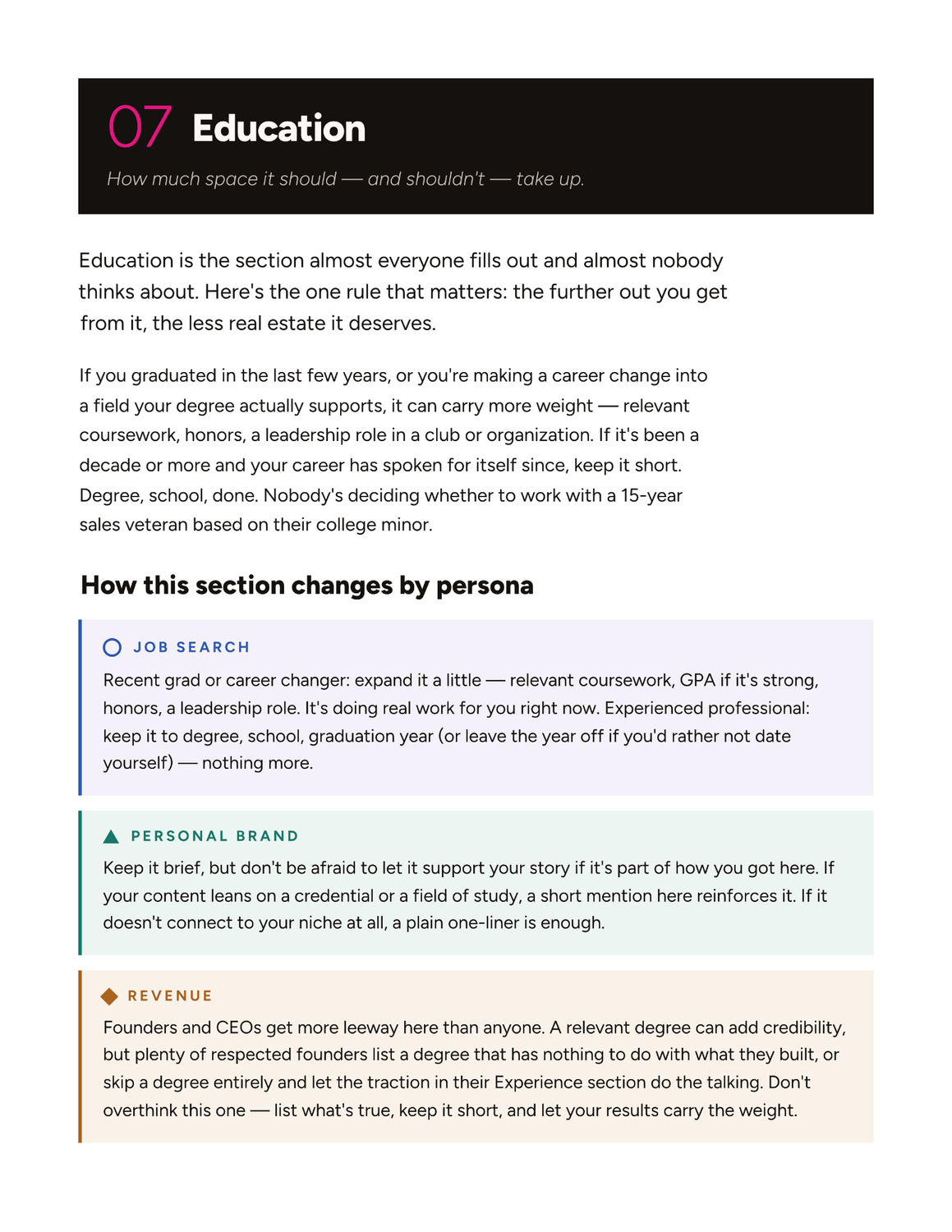
Education: How much space it should take up. And how much it shouldn't.
Connected Apps & Skills: LinkedIn's newest section. Almost nobody has it filled out yet.
Licenses, Certifications & Volunteering: What actually counts, even if you think you have nothing to add.
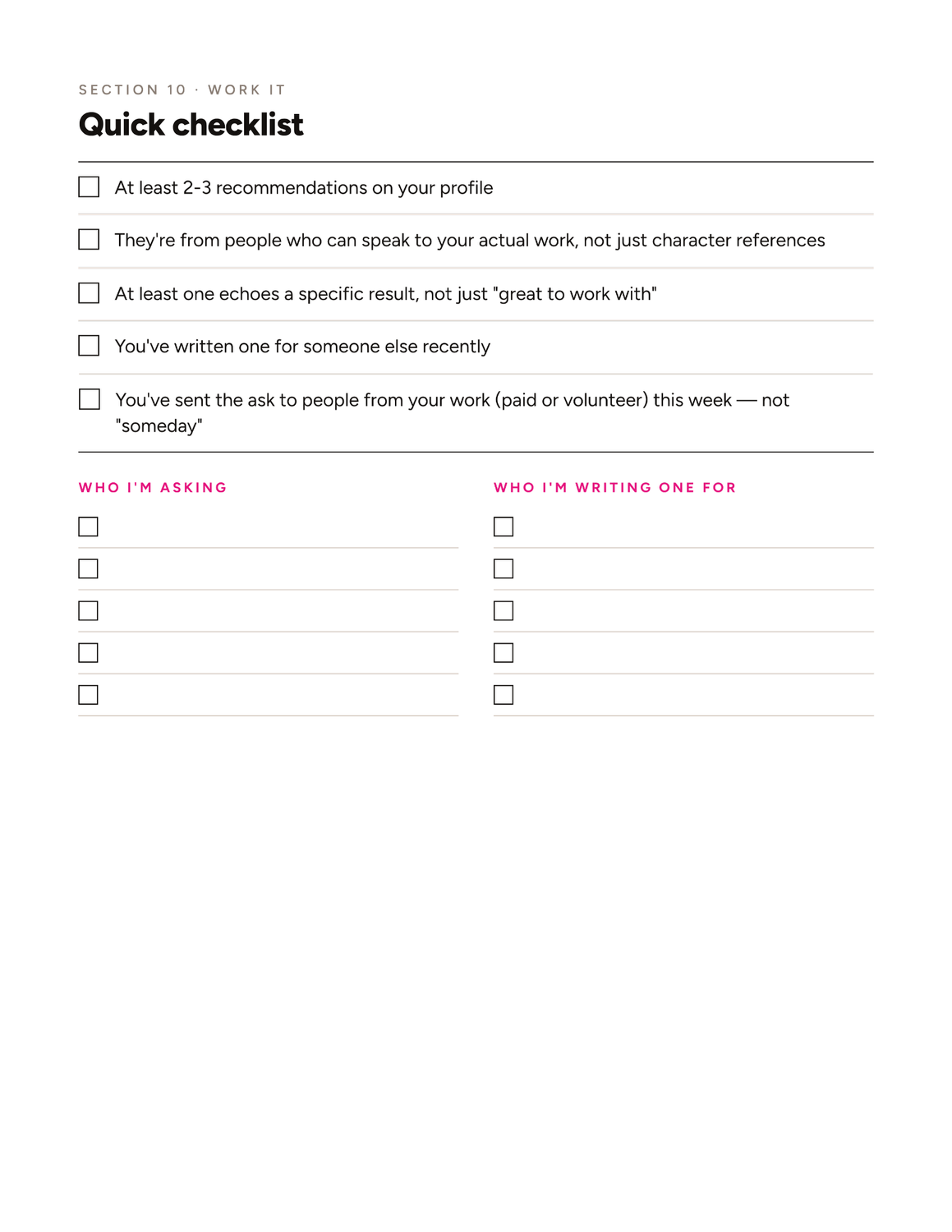
Recommendations: The exact message to send to get one, and why writing them matters just as much.
The Proof is in The Pipeline.
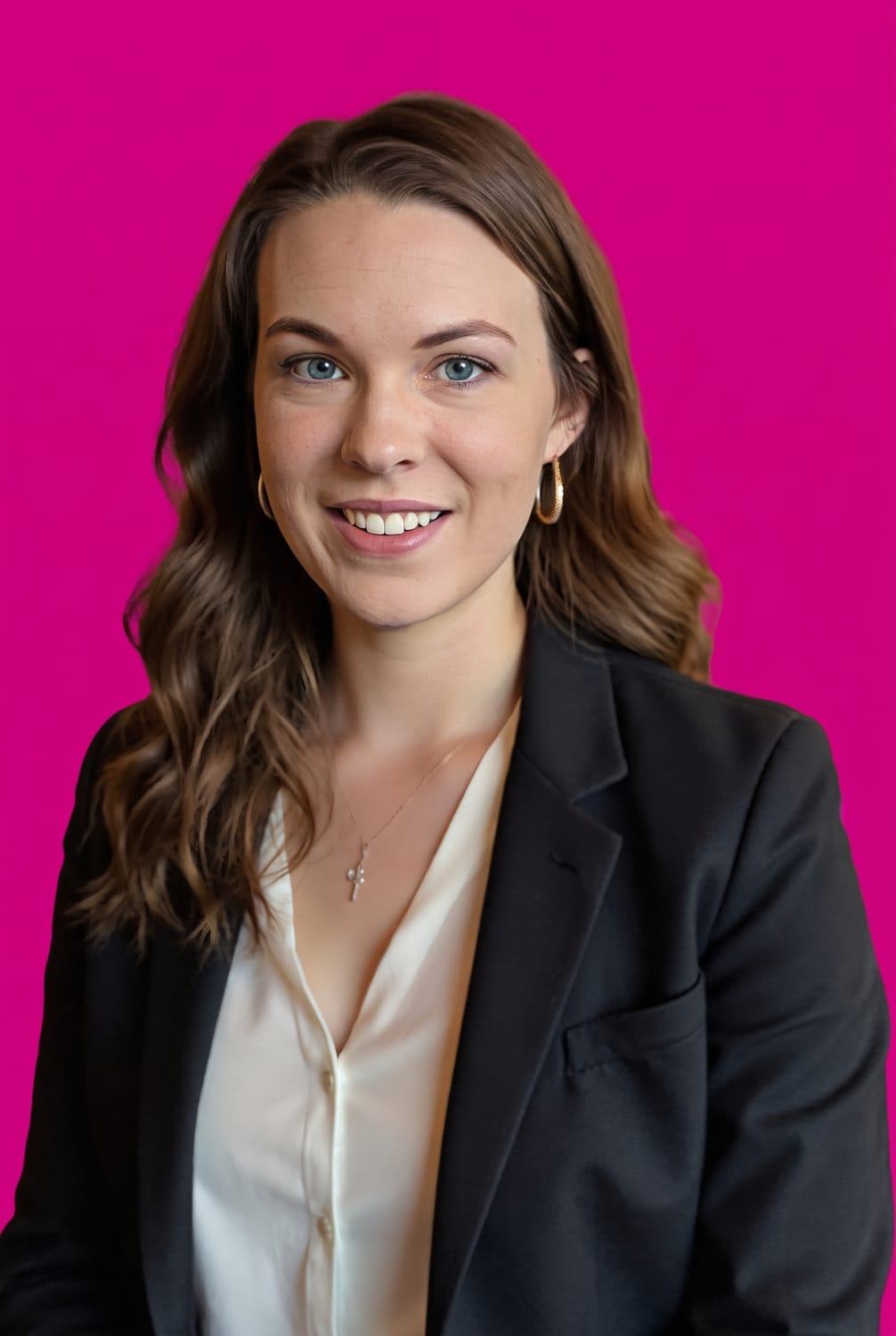
Ashlee Starr
Accidental LinkedIn influencer ✨ | 1M+ impressions | I turn stories into content | Founder @ Ashlee Makes Content
I'm an Enterprise AE with 10+ years in sales. I started selling cars at 19. I know what makes people say yes, and your profile is where a lot of them decide.
I've been posting on LinkedIn for 8 years. On January 1, 2026, I got serious about it. Same principles that are in this guide. Real, first-person content. Here's what happened:
1.2M+ impressions
500K+ members reached
80%+ of that reach came from outside my network
8K+ profile views
The part I didn't expect? Brands started reaching out. I've made 5 figures in brand deals this year alone and im just getting started.
No. This is a real framework, written from real experience — not a list of generic "10 tips to optimize your profile" you've already read a hundred times.
You can read the whole thing in about 20 minutes. Actually implementing every section takes most people a focused afternoon — but you don't have to do it all at once. Work through it section by section, at your own pace.
Yes. The guide includes a Canva walkthrough and a copy-paste AI prompt to generate your own banner, even if you've never opened a design tool in your life.
Yes. The formulas are built to adapt to whatever you do — the guide shows you exactly how to plug in your own role, results, and goals in every section.
A downloadable PDF you can reference anytime, on any device.